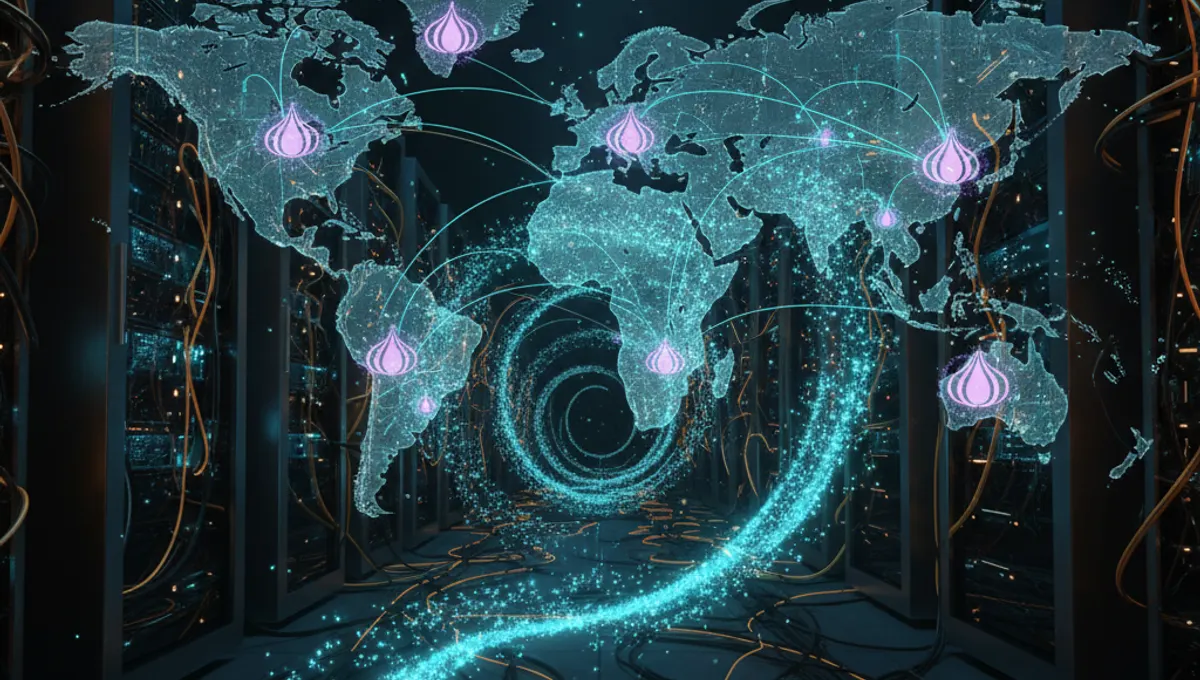
What Is the Dark Hidden Wiki
The Dark Hidden Wiki is a wiki-style resource hosted on the Tor network that aggregates links to hidden services, forums, and information about Tor itself. Unlike a traditional website, it exists as a .onion address accessible only through Tor Browser. The wiki is maintained by community contributors, meaning content varies in accuracy and legality. Some entries point to educational resources, privacy tools, and technical documentation. Others link to marketplaces and services of questionable legality. The wiki itself is not inherently illegal—it's a directory—but many links it contains lead to illegal marketplaces. Understanding this distinction is crucial before accessing it.
How to Access Hidden Wiki Tor Resources Safely
Accessing the Dark Hidden Wiki requires Tor Browser, the official anonymity tool maintained by the Tor Project. Download it only from the official Tor Project website to avoid compromised versions. Install it on a dedicated device or virtual machine if possible. Open Tor Browser and wait for the connection to establish. Once connected, you can navigate to .onion addresses by pasting them into the address bar. However, simply having Tor Browser is not enough. You must also use a VPN before connecting to Tor for additional privacy. This creates a layered approach: VPN encrypts your traffic, then Tor routes it through multiple relays. Never maximize your browser window—fingerprinting attacks can identify you based on screen resolution. Disable JavaScript in Tor Browser settings to prevent certain exploits.
Security and Anonymity: What Not to Do
Many people compromise their anonymity through preventable mistakes. Do not use the same username across multiple dark websites or forums. Do not enable plugins or extensions in Tor Browser. Do not torrent over Tor—it bypasses the network entirely and exposes your IP address. Do not assume all .onion links are safe; many are honeypots or phishing sites designed to steal credentials or malware. Do not resize your browser window or change display settings that could be used for fingerprinting. Do not visit the dark web without understanding the legal implications of what you're accessing. Do not assume the Dark Hidden Wiki itself is maintained by security professionals—it's a community resource with no verification process. If you're exploring for research or educational purposes, document what you find offline and never download files unless absolutely necessary. Use Tails or Whonix for maximum isolation if you're conducting serious research.
Why People Access Dark Websites and Hidden Services
People access the dark web and dark hidden wiki resources for legitimate reasons: journalists researching censorship, activists in restrictive countries, security researchers studying threats, and privacy advocates testing anonymity tools. Others access it out of curiosity or to understand how Tor works. Some seek information unavailable in their region due to censorship. The dark internet links directory serves as a map for all these use cases. However, law enforcement agencies also monitor Tor network activity, and many hidden services are operated by criminals. Simply accessing the Dark Hidden Wiki is not illegal in most jurisdictions, but accessing specific services or marketplaces may be. Your intent and actions matter legally. If you're accessing it for educational purposes, stick to technical documentation and publicly discussed resources. Avoid downloading anything unless you understand what it is and why you need it.
Comparing Tor Access Methods and Tools
Several approaches exist for accessing Tor safely, each with trade-offs. Tor Browser alone is simple but offers less isolation. Tails is a live operating system that routes all traffic through Tor by default and leaves no traces on your computer—ideal for high-risk scenarios. Whonix runs Tor in a virtual machine, providing isolation without requiring a separate device. A VPN plus Tor combination adds an extra layer but can slow your connection. Some people use a dedicated Raspberry Pi running Tor as a gateway for their home network. For most people exploring the dark web casually, Tor Browser on a standard computer with a VPN is sufficient. For journalists or activists, Tails is the standard. For researchers, Whonix provides reproducible, isolated environments. Choose based on your threat model and use case, not on what sounds most secure. More layers don't always mean more security if they introduce complexity you can't manage.
Common Beginner Mistakes and How to Avoid Them
New users often make predictable errors. Trusting the first .onion link they find without verification is dangerous—many are fake or malicious. Assuming anonymity means immunity from consequences is false; law enforcement has successfully identified Tor users through operational security failures. Mixing Tor and non-Tor activity in the same session compromises anonymity—use separate browsers or devices. Clicking on links without understanding where they lead is risky; many dark websites contain malware or phishing attempts. Believing that everything on the dark web is illegal or that all dark websites are equally dangerous oversimplifies reality. Some are research archives, others are forums, and some are criminal marketplaces. Before accessing any dark internet links, research what you're accessing and why. Use this site's Verified Market page to find current, legitimate resources rather than trusting outdated wiki entries. Never assume a .onion address is current—services move, disappear, or get seized regularly.
Legal and Ethical Considerations
Accessing Tor and the Dark Hidden Wiki is legal in most countries, but what you do on the dark web determines legality. Accessing a marketplace is different from purchasing illegal goods. Researching how Tor works is different from facilitating criminal activity. Your jurisdiction matters—some countries restrict Tor use or monitor it heavily. If you're in a country with internet censorship, Tor is a legitimate privacy tool. If you're in a country with strong rule of law, accessing illegal marketplaces carries real legal risk. Law enforcement agencies have successfully prosecuted people for dark web activity, often through operational security failures rather than technical breakthroughs. If you're exploring for educational purposes, document your findings responsibly and avoid downloading or engaging with illegal content. If you're a journalist or researcher, consider consulting legal counsel about your jurisdiction's laws. The dark web is not lawless—it's just harder to police, which means consequences can be severe when they do occur.
Frequently asked questions
Is accessing the Dark Hidden Wiki illegal?
Accessing the Dark Hidden Wiki itself is legal in most countries. It's a directory, not a service. However, many links it contains lead to illegal marketplaces. Your legal risk depends on what you access and your jurisdiction. Simply visiting a .onion address is not a crime, but purchasing illegal goods is.
Do I need a VPN to access Tor safely?
A VPN is not strictly necessary but is recommended. Using a VPN before Tor adds a layer of privacy by hiding your Tor connection from your ISP. However, choose a VPN you trust—a malicious VPN can see your traffic. Many security researchers recommend VPN plus Tor for general use, though Tails or Whonix provide better isolation for high-risk scenarios.
Can I be tracked on Tor?
Tor is designed to prevent tracking, but it's not perfect. You can be tracked through operational security failures—using the same username everywhere, enabling JavaScript, maximizing your browser window, or mixing Tor and non-Tor activity. Law enforcement has successfully identified Tor users through these mistakes, not by breaking Tor itself.
What should I do if I find malware on a dark website?
Do not download or execute anything. Close the tab immediately. If you're using Tails, restart it to clear memory. If you're using a standard computer, run a full antivirus scan. Avoid clicking on suspicious links or downloading files unless you're certain what they are. Many dark websites contain malware designed to compromise your anonymity.
Is the Dark Hidden Wiki still active and updated?
The Dark Hidden Wiki exists, but its current status and content change frequently. .onion addresses are seized, moved, or abandoned regularly. Do not rely on outdated wiki entries. Use this site's Verified Market page to find current, legitimate resources instead of trusting old links from community wikis.